
On this page (8)
Install the Bizzo app on Windows 10 / 11
Chrome and Edge both install web apps natively on Windows. It takes one click and needs no administrator rights.
- Open Bizzo in Chrome or Edge
Use our Bizzo link or your bookmark.
- Click the install icon
Right side of the address bar. No icon? Chrome: ⋮ → Cast, save and share → Install page as app. Edge: ⋯ → Apps → Install this site as an app.
- Click "Install"
Bizzo opens in its own window without tabs or address bar.
- Pin to taskbar / Start
Right-click the icon → Pin to taskbar. Optionally allow it to create a desktop shortcut.
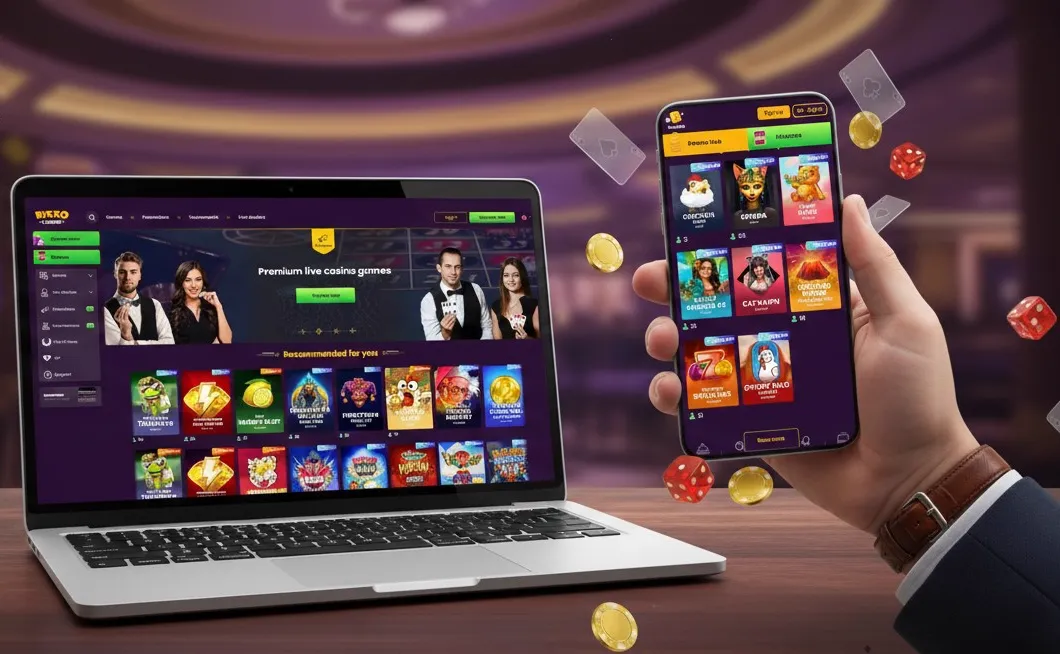
Install the Bizzo app on a Mac
Three options, all official and all free.
| Browser | How | Where it appears |
|---|---|---|
| Safari (macOS Sonoma+) | File → Add to Dock | Dock & Launchpad |
| Chrome | Install icon in address bar | Applications → Chrome Apps, Dock |
| Edge | ⋯ → Apps → Install this site as an app | Applications, Dock |
About "Bizzo APK" downloads: Bizzo doesn't publish an app in Google Play or the App Store for Australia. APK or .exe files offered on third-party sites are unofficial, can't be verified and may contain malware or fake login screens. The web app gives you the full casino with none of that risk. Read the APK guide.
Why use the desktop app at all?
For three jobs a phone does worse: long live-dealer sessions, keeping an eye on several things at once, and uploading verification documents.
Live casino
Big screen, stable wired/Wi-Fi connection and no mobile data costs for HD streams.
KYC uploads
Scan documents properly and upload PDFs — fewer rejected blurry photos.
Multitasking
Keep live chat, your bank and the game side by side.
Uninstall the desktop app
Open the app, click ⋮ (Chrome) or ⋯ (Edge) in its title bar and choose Uninstall. On Mac Safari, drag it out of the Dock and delete it from Applications.
Getting the most from the desktop app
Pin it, size the window, and use your computer's built-in password manager for one-click logins.
- Pin to the taskbar or Dock so it opens like any program
- Resize the window to keep live chat or your bank side by side
- Use Windows Hello or Touch ID with your saved password
- Zoom with Ctrl/Cmd + and − if text looks small on a large monitor
Desktop install not working?
If there's no install icon, you're probably in a private window, on an unsupported browser, or on a managed work computer.
| Problem | Fix |
|---|---|
| No install icon in the address bar | Use the browser menu: Chrome "Install page as app", Edge "Install this site as an app" |
| Incognito / InPrivate window | Open a normal window — installing is disabled in private mode |
| Firefox | Firefox desktop doesn't install web apps; use Chrome or Edge |
| Work computer | IT policies may block installs; use a personal device |
| App opens a blank window | Uninstall, clear site data, open Bizzo in the browser once, reinstall |
PC or phone: which is better for Bizzo?
Use both: phone for quick sessions, PC for live tables, paperwork and reviewing your spending. It's one account, so your balance follows you.
| PC app | Phone app | |
|---|---|---|
| Live dealer | Best (big screen, stable connection) | Good in landscape |
| Quick sessions | Fine | Best |
| KYC documents | Scans and PDFs | Camera photos |
| Install spins | No | Yes (home-screen install) |
Install Bizzo on your computer
One click in Chrome or Edge — and you can keep playing on your phone with the same account.
Bizzo app FAQ: quick answers
Is there a Bizzo Casino app for Windows?
Yes, as a web app. Install it from Chrome or Edge using the install icon in the address bar. There is no official .exe installer.
Is there a Bizzo app for Mac?
Yes. Use Chrome or Edge on macOS (install icon), or Safari on macOS Sonoma and later (File → Add to Dock).
Should I download a Bizzo .exe file?
No. Bizzo doesn't offer an official Windows installer, and .exe files from other sites can contain malware. The browser install is official and needs no admin rights.
Can I play the same account on PC and phone?
Yes. Your balance, bonuses and history are tied to your account, not the device. Log in on each with the same email and password.
More Bizzo app guides
Independent guide — we are not Bizzo Casino and we don't distribute app files. We may earn a commission if you sign up through our links. Bizzo is licensed in Curaçao, not by an Australian regulator. 18+. Free help: 1800 858 858.